In this document, AutoMQ product service provider, AutoMQ service provider and AutoMQ each specifically refer to AutoMQ HK Limited.
Obtaining a License
When a new user installs the AutoMQ Cloud BYOC environment for the first time, a built-in free trial license is provided by default, allowing for a quick experience of AutoMQ without purchase. Formal production environment users can purchase a license through the following channels:- Offline Contract Procurement License
- AWS Marketplace Purchase License
Users can contact the AutoMQ technical team to purchase a license through Obtaining Services▸.
Using the License to Activate the Environment
After installing the user BYOC environment and purchasing the License, refer to the documentation below for environment activation.Operational Steps
- Log in to the BYOC environment console and navigate to the Settings page.
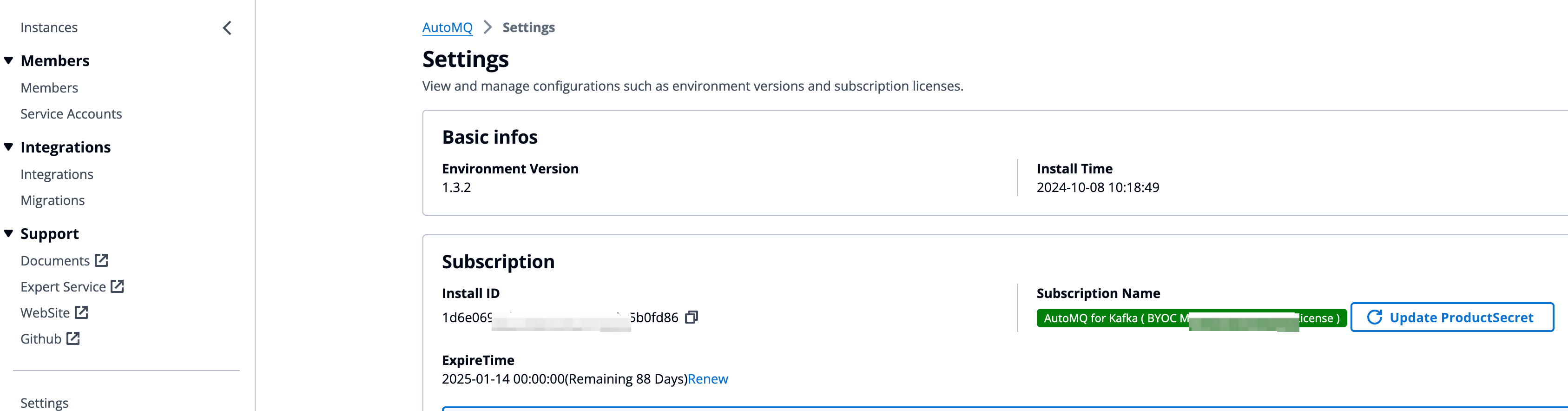
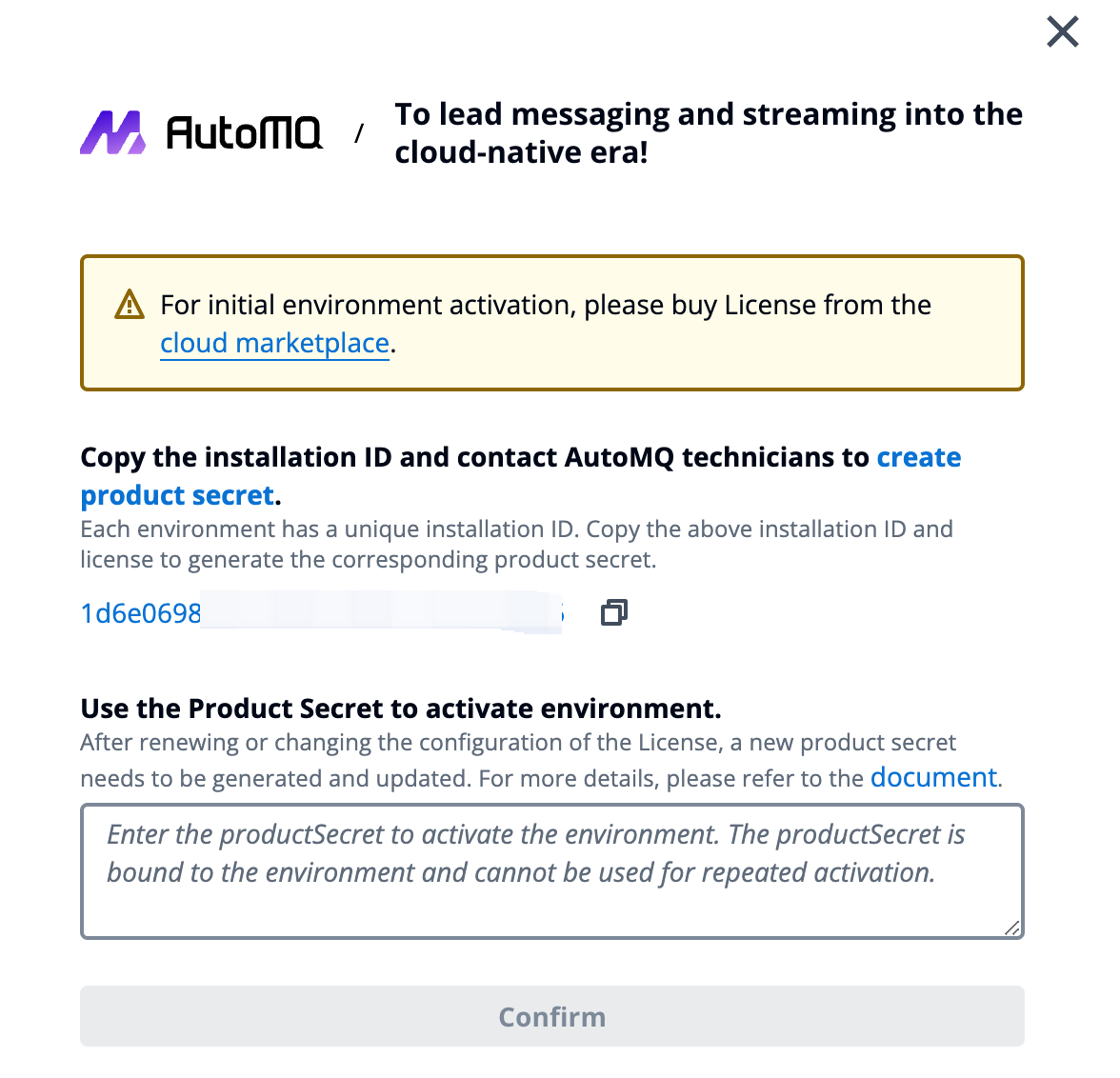
- Gather the environment Installation ID and configure the license information purchased in the previous step. Contact AutoMQ technical personnel to obtain the activation product key.
- Return to the Settings page and click Update product license. Enter the product key to complete environment activation. You can then proceed to create instances normally.